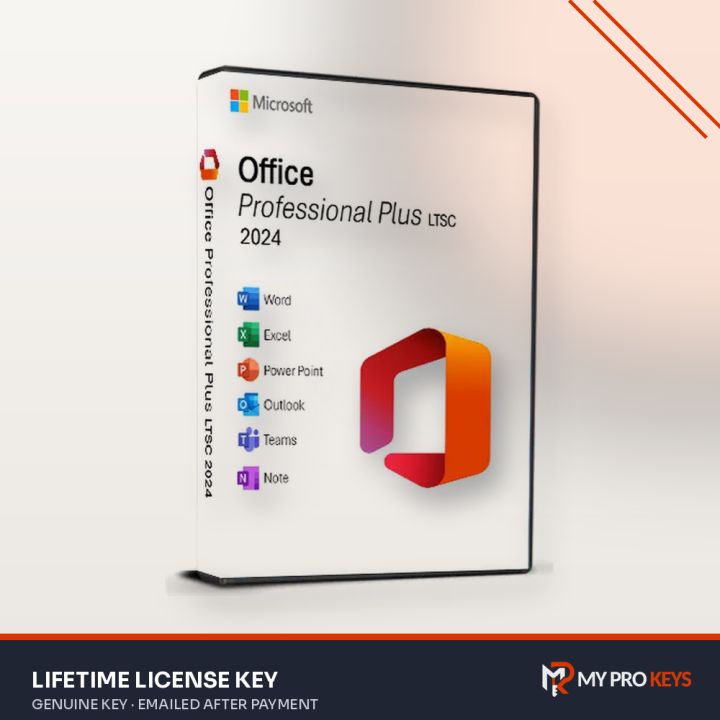
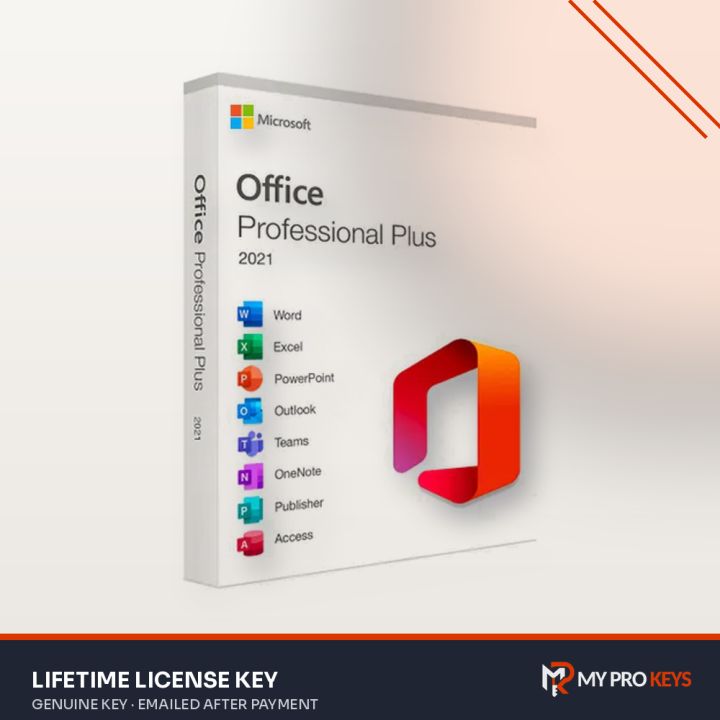
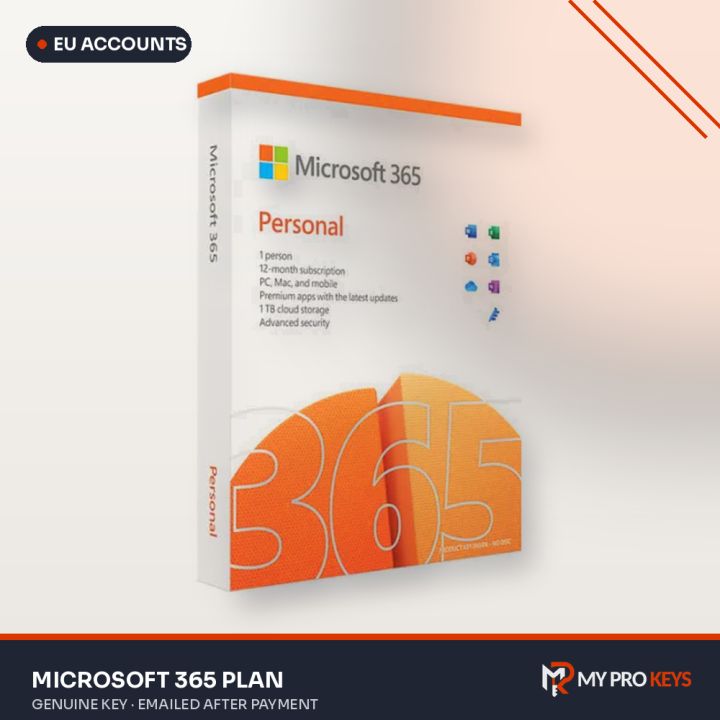
Microsoft sells Office two ways: as a perpetual license you pay for once (Office 2024, 2021, 2019 and older), or as a Microsoft 365 subscription that's always up to date. Here's how to decide.
At a glance
| Office 2024 | Office 2021 | Office 2019 | Microsoft 365 | |
|---|---|---|---|---|
| Payment | Once | Once | Once | Every year |
| New features | No (security fixes only) | No | No | Yes, continuously |
| Cloud storage | No | No | No | 1 TB per person |
| Devices | 1 PC per key | 1 PC per key | 1 PC per key | All your devices |
| Best for | Newest perpetual Office | Best value | Older PCs, tight budgets | Several devices, OneDrive users |
Professional Plus vs Home editions
Professional Plus includes Word, Excel, PowerPoint, Outlook, OneNote and Access (plus Publisher up to Office 2021). Home & Business drops Access but keeps Outlook and allows commercial use. Home & Student (and the 2024 "Home" edition) covers the core apps for personal use.
Which one should you buy?
- You want Office on one PC for years: Office 2021 or 2024 Professional Plus. Office 2021 is usually the best price-to-features balance.
- You use a Mac: pick an edition marked Mac or PC/Mac.
- You work across laptop, tablet and phone, or need cloud storage: Microsoft 365 Personal or Family.
- The PC is old or offline: Office 2019 or 2016 are lighter and run fine on Windows 10.
A note on activation types
Some Office keys activate online, some through Microsoft's phone activation and some are linked to your Microsoft account. All are official; the product name tells you which one you're buying, and our phone activation guide covers that route.
Browse every option in the Microsoft Office category.