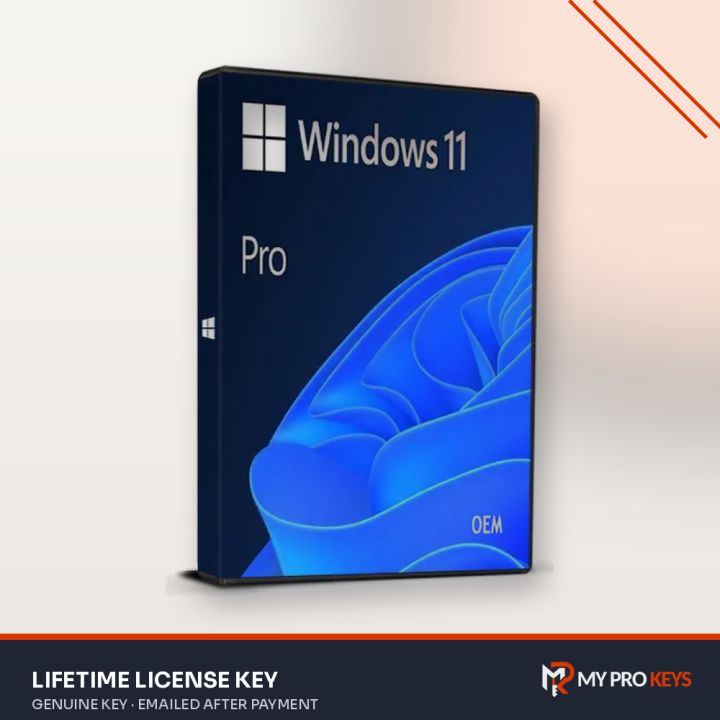
Windows 11 Pro Retail License Key
Lifetime, Worldwide
Windows 11 Pro license key for 1 PC, activated for life. Windows 11 Pro is the edition most professionals, freelancers and power users pick: everything in Windows 11 Home, plus the tools for protecting data and managing a work PC.
- PlatformWindows
- LicenseLifetime
- RegionWorldwide
- DeliveryKey by email
- Key emailed to you once payment is confirmed
- Pay with PayPal or a debit or credit card
- Activation help by email if you get stuck
- PayPal
- Visa
- Mastercard
- Amex
- Lifetime activation for 1 PC
- Works worldwide (global key)
- Retail: move it to a new PC later
- BitLocker drive encryption to protect your files if the laptop is lost
- Key and setup steps emailed after payment
Overview
Windows 11 Pro is the edition most professionals, freelancers and power users pick: everything in Windows 11 Home, plus the tools for protecting data and managing a work PC.
What's inside Windows 11 Pro
- BitLocker drive encryption to protect your files if the laptop is lost
- Remote Desktop, so you can sign in to this PC from another device
- Hyper-V and Windows Sandbox for running virtual machines and testing apps safely
- Group Policy and domain or Microsoft Entra join for office networks
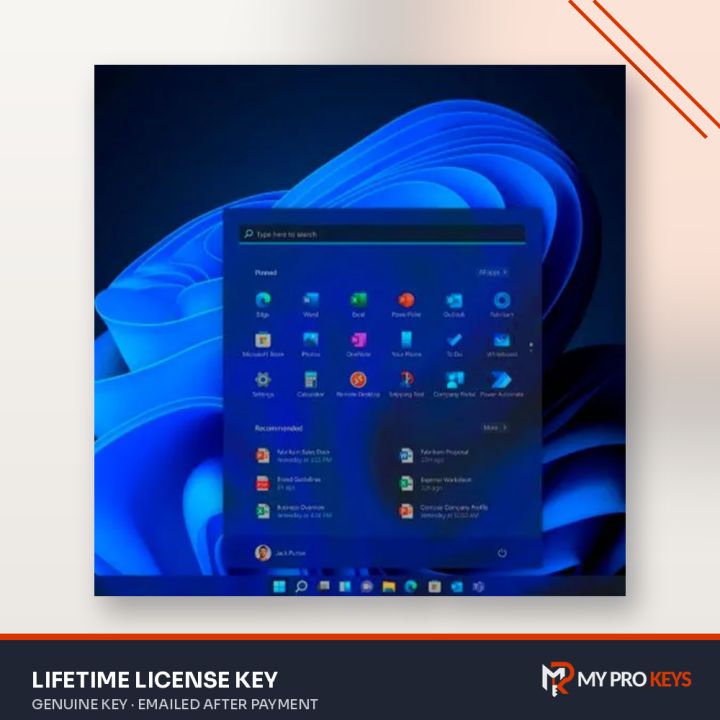
- Every Windows 11 Home feature: Snap layouts, widgets, Microsoft Store, DirectX 12 Ultimate gaming
About this license
This is a Retail license: it activates online and can be moved to a new PC later, as long as it's only active on one computer at a time.
Best for: home users who want encryption and Remote Desktop, small businesses, developers and anyone upgrading from Home.
Activation steps
Get Windows 11 Pro (Retail) from Microsoft's download page, then enter your key in Windows Settings.
- Visit Microsoft's download page. The Media Creation Tool can upgrade the PC you're on or build a bootable USB drive; you can also grab the ISO file.
- Run Windows setup. When it asks for a product key, type yours now or pick I don't have a product key and add it later.
- Go to Settings > System > Activation, choose Change product key and type the 25-character key we sent you.
- Windows checks the key online and confirms with Windows is activated.
Online activation not working? Use phone activation
- Press Windows + R, run
slui 4(or pick Activate by phone on the Activation page). - Choose your country and press Next.
- Ring the toll-free number on screen; the automated line gives you a confirmation ID to type in, which completes activation.
Microsoft's own walkthrough: Windows phone activation.
Specifications
- Full product name
- Windows 11 Pro
- Publisher
- Microsoft
- License
- Retail, 1 PC
- Term
- Lifetime
- Region
- Worldwide
- Delivery
- Emailed to you after payment
- Price
- $16.99 USD
- Seller
- My Pro Keys
Requirements
- 64-bit processor, 1 GHz or faster with 2 or more cores
- 4 GB RAM
- 64 GB storage
- UEFI firmware with Secure Boot and TPM 2.0
- DirectX 12 compatible graphics
Windows 11 Pro: your questions answered
What does a Windows 11 Pro key cost?
Windows 11 Pro costs $16.99 at My Pro Keys as a one-off payment in US dollars.
Is Windows 11 Pro a one-time purchase?
Yes. You pay once and Windows stays activated; there's no subscription or renewal.
Do I need to reinstall Windows to use this key?
No, if Windows is already installed: enter the key under Settings > System > Activation. For a new PC, install Windows from Microsoft's media first.
Can I use this key in my country?
Yes, it's a global key that activates in any region.
Can I upgrade from Windows 11 Home to Pro?
Yes. Enter this key on a Home installation and Windows upgrades to Pro in place, keeping your files and apps.
What's the difference between Retail and a standard key?
A Retail license can be transferred to a new computer once you remove it from the old one. Both activate exactly the same Windows.