Xbox codes (games and Game Pass)
Xbox codes are 25 characters long and attach to the Microsoft account you redeem them on.
On the console: press the Xbox button, open the Microsoft Store, choose Redeem and enter the code.
In a browser: go to redeem.microsoft.com, sign in with the account you use on your Xbox, enter the code and confirm. Games then appear under My games & apps on the console.
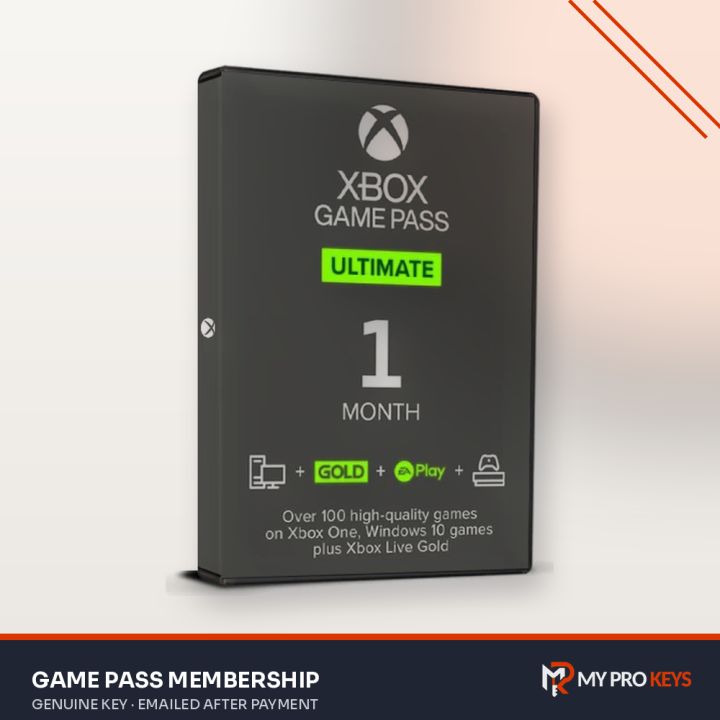
Game Pass codes add membership time. Some are marked non-stackable: those need an account without an active membership of the same tier.
Nintendo Switch eShop codes
Nintendo codes are 16 characters long.
On the Switch: open the Nintendo eShop, pick your user, choose Redeem Code on the left and enter the code. The download starts automatically.
On the web: sign in at the Nintendo website and use the redeem page; the game downloads the next time your console connects.
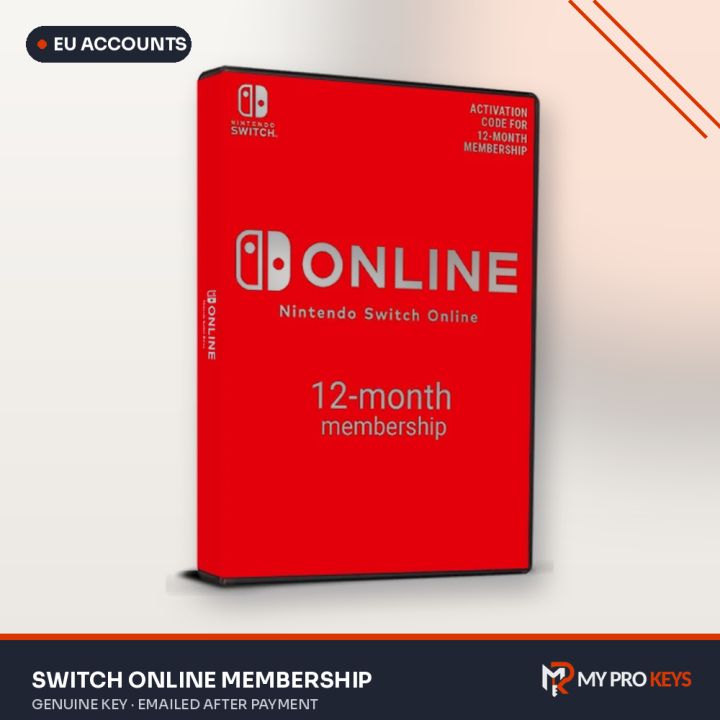
Nintendo Switch Online codes extend your membership. For Family plans, the family group's administrator redeems the code.
Region reminder
Many console codes are tied to a region (for example Europe or US). Check our region guide and the product name before you buy.
Shop Xbox keys or Nintendo Switch keys.