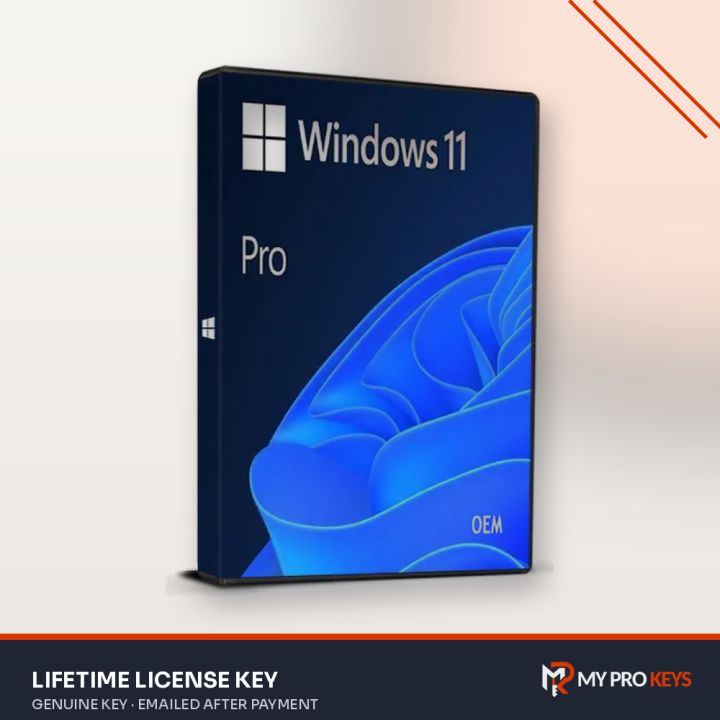
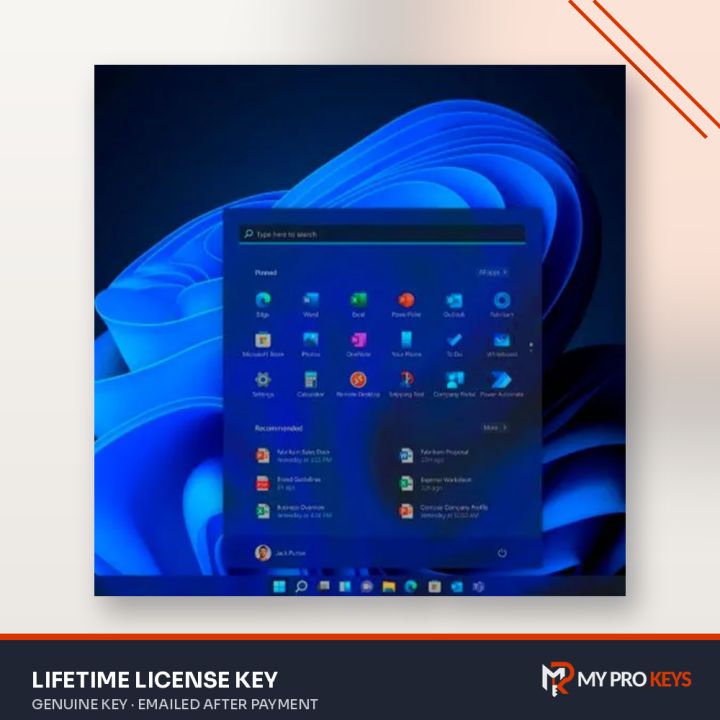
Windows 11 Pro N Retail License Key
Lifetime, Worldwide
Windows 11 Pro N license key for 1 PC, activated for life. Windows 11 Pro N is Windows 11 Pro without the preinstalled media apps, the version Microsoft offers for European markets.
- PlatformWindows
- LicenseLifetime
- RegionWorldwide
- DeliveryKey by email
- Key emailed to you once payment is confirmed
- Pay with PayPal or a debit or credit card
- Activation help by email if you get stuck
- PayPal
- Visa
- Mastercard
- Amex
- Lifetime activation for 1 PC
- Works worldwide (global key)
- Retail: move it to a new PC later
- All Windows 11 Pro tools: BitLocker, Remote Desktop, Hyper-V
- Key and setup steps emailed after payment
Overview
Windows 11 Pro N is Windows 11 Pro without the preinstalled media apps, the version Microsoft offers for European markets.
What's inside Windows 11 Pro N
- All Windows 11 Pro tools: BitLocker, Remote Desktop, Hyper-V
- No preinstalled Media Player or related media apps
- Add the free Media Feature Pack from Microsoft if you need them
About this license
This is a Retail license: it activates online and can be moved to a new PC later, as long as it's only active on one computer at a time.
Best for: buyers who specifically want, or already run, the N edition.
Activation steps
Get Windows 11 Pro N (Retail) from Microsoft's download page, then enter your key in Windows Settings.
- Visit Microsoft's download page. The Media Creation Tool can upgrade the PC you're on or build a bootable USB drive; you can also grab the ISO file.
- Run Windows setup. When it asks for a product key, type yours now or pick I don't have a product key and add it later.
- Go to Settings > System > Activation, choose Change product key and type the 25-character key we sent you.
- Windows checks the key online and confirms with Windows is activated.
Online activation not working? Use phone activation
- Press Windows + R, run
slui 4(or pick Activate by phone on the Activation page). - Choose your country and press Next.
- Ring the toll-free number on screen; the automated line gives you a confirmation ID to type in, which completes activation.
Microsoft's own walkthrough: Windows phone activation.
Specifications
- Full product name
- Windows 11 Pro N
- Publisher
- Microsoft
- License
- Retail, 1 PC
- Term
- Lifetime
- Region
- Worldwide
- Delivery
- Emailed to you after payment
- Price
- $12.00 USD
- Seller
- My Pro Keys
Requirements
- 64-bit processor, 1 GHz or faster with 2 or more cores
- 4 GB RAM
- 64 GB storage
- UEFI firmware with Secure Boot and TPM 2.0
- DirectX 12 compatible graphics
Windows 11 Pro N: your questions answered
How much is Windows 11 Pro N?
Windows 11 Pro N costs $12.00 at My Pro Keys as a one-off payment in US dollars.
Is Windows 11 Pro N a one-time purchase?
Yes. You pay once and Windows stays activated; there's no subscription or renewal.
Do I need to reinstall Windows to use this key?
No, if Windows is already installed: enter the key under Settings > System > Activation. For a new PC, install Windows from Microsoft's media first.
Can I use this key in my country?
Yes, it's a global key that activates in any region.
Can I upgrade from Windows 11 Home to Pro?
Yes. Enter this key on a Home installation and Windows upgrades to Pro in place, keeping your files and apps.
What's the difference between Retail and a standard key?
A Retail license can be transferred to a new computer once you remove it from the old one. Both activate exactly the same Windows.