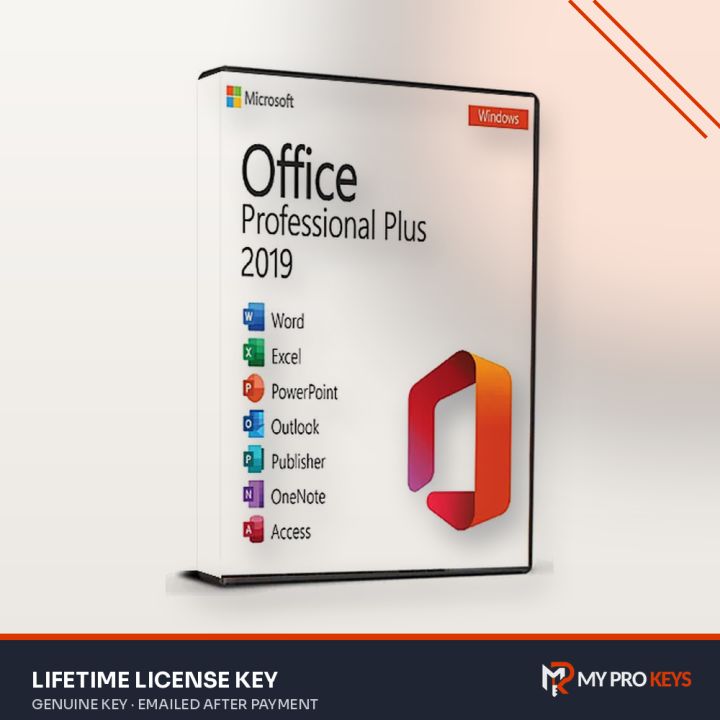
Office 2019 Home and Business License Key (Phone Activation)
Lifetime, Worldwide
Office 2019 Home and Business for Windows PC, paid once: Word, Excel, PowerPoint and Outlook.
- PlatformMicrosoft Office
- LicenseLifetime
- RegionWorldwide
- DeliveryKey by email
- Key emailed to you once payment is confirmed
- Pay with PayPal or a debit or credit card
- Activation help by email if you get stuck
- PayPal
- Visa
- Mastercard
- Amex
- Lifetime license, 1 PC
- Includes Word, Excel, PowerPoint and Outlook
- Activates by phone (official Microsoft method)
- Works worldwide (global key)
- Key and installer link emailed after payment
Overview
Office 2019 Home and Business is a one-time purchase of Microsoft Office for Windows PC: it includes Word, Excel, PowerPoint and Outlook. Home and Business adds Outlook to the core Office apps and is licensed for business use, a good fit for freelancers and small offices.
Office 2019 is a dependable perpetual release that still runs well on Windows 10 and 11.
About this license
This key activates by phone, a standard Microsoft method: after installing, you read an installation ID to Microsoft's automated line (or enter it at aka.ms/aoh) and type in the confirmation ID you get back. It takes a few minutes and is fully official.
Activation steps
Office 2019 Home and Business (Phone Activation) is set up from Microsoft's own installer file and unlocked with your key.
- Remove any other Office version first (Settings > Apps) so the installs don't clash.
- Official installer: Download here (HomeBusiness2019Retail.img). The file comes directly from Microsoft's servers.
- Right-click the .img file you downloaded and pick Mount, then run Setup.exe from the drive that appears.
- When setup is done, launch Word from the Start menu and type the 25-character key when prompted (or later under File > Account > Change Product Key).
Phone activation (when online activation is refused)
- Launch Word or another Office app. In the activation wizard pick activate by telephone to see your Installation ID (nine blocks of seven digits).
- Open aka.ms/aoh, Microsoft's activation site, and log in with any Microsoft account.
- Pick Activate a Microsoft product, then your product type, operating system and version.
- Fill the nine boxes with your Installation ID and answer 0 when asked how many PCs it's installed on.
- Copy the Confirmation ID Microsoft returns into the wizard and press Next.
Specifications
- Full product name
- Office Home and Business 2019
- Publisher
- Microsoft
- License
- Volume / digital license
- Term
- Lifetime
- Platform
- Windows PC
- Redeem on
- Phone
- Region
- Worldwide
- Delivery
- Emailed to you after payment
- Price
- $12.49 USD
- Seller
- My Pro Keys
Requirements
- Windows 10 or Windows 11
- 1.6 GHz, 2-core processor
- 4 GB RAM (64-bit), 2 GB RAM (32-bit)
- 4 GB available disk space
- 1280 x 768 display resolution
Office 2019 Home and Business: your questions answered
How much is Office 2019 Home and Business?
Office 2019 Home and Business costs $12.49 at My Pro Keys as a one-off payment in US dollars.
Is Office 2019 Home and Business a subscription?
No. It's a perpetual license: pay once and keep using the apps, with no monthly fee.
Which apps are included?
Word, Excel, PowerPoint and Outlook.
Should I uninstall my old Office first?
Yes, remove other Office versions before installing to avoid activation conflicts.
Does it work on a Mac?
No. This edition is for Windows; choose a Mac edition for macOS.
Why phone activation?
Some keys are activated through Microsoft's phone activation instead of online. It's an official route and takes a few minutes; the steps are in your email.