Office 2019 Professional Plus License Key (Phone Activation, Retail)
Lifetime, Worldwide
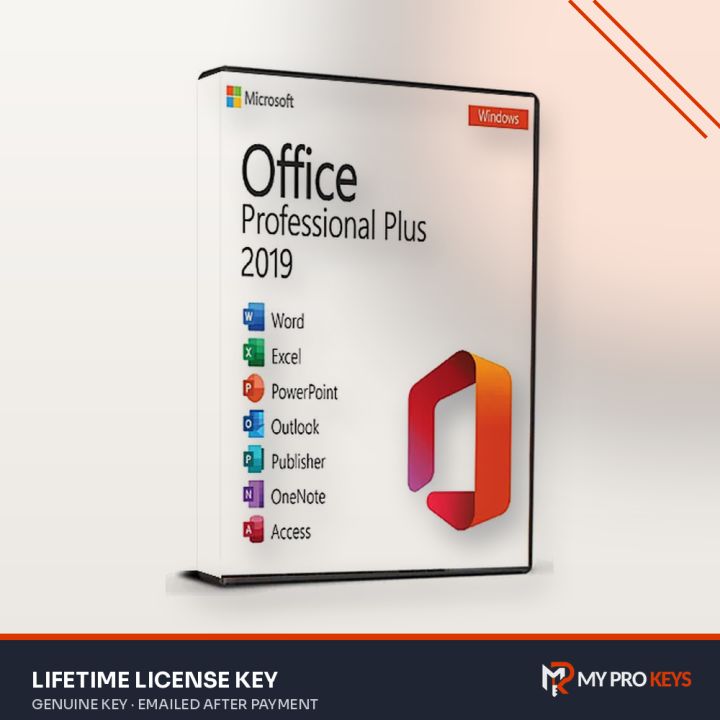
Office 2019 Professional Plus for Windows PC, paid once: Word, Excel, PowerPoint, Outlook, Access, Publisher and Skype for Business.
- PlatformMicrosoft Office
- LicenseLifetime
- RegionWorldwide
- DeliveryKey by email
- Key emailed to you once payment is confirmed
- Pay with PayPal or a debit or credit card
- Activation help by email if you get stuck
- PayPal
- Visa
- Mastercard
- Amex
- Lifetime license, 1 PC
- Includes Word, Excel, PowerPoint, Outlook, Access, Publisher and Skype for Business
- Activates by phone (official Microsoft method)
- Works worldwide (global key)
- Key and installer link emailed after payment
Overview
Office 2019 Professional Plus is a one-time purchase of Microsoft Office for Windows PC: it includes Word, Excel, PowerPoint, Outlook, Access, Publisher and Skype for Business. Professional Plus is the complete desktop Office suite, with the business apps Home editions leave out, such as Access and (in most versions) Publisher.
Office 2019 is a dependable perpetual release that still runs well on Windows 10 and 11.
About this license
This key activates by phone, a standard Microsoft method: after installing, you read an installation ID to Microsoft's automated line (or enter it at aka.ms/aoh) and type in the confirmation ID you get back. It takes a few minutes and is fully official.
Activation steps
Office 2019 Professional Plus (Retail, Phone Activation) is set up from Microsoft's own installer file and unlocked with your key.
- Remove any other Office version first (Settings > Apps) so the installs don't clash.
- Official installer: Download here (ProPlus2019Retail.img). The file comes directly from Microsoft's servers.
- Right-click the .img file you downloaded and pick Mount, then run Setup.exe from the drive that appears.
- When setup is done, launch Word from the Start menu and type the 25-character key when prompted (or later under File > Account > Change Product Key).
Phone activation (when online activation is refused)
- Launch Word or another Office app. In the activation wizard pick activate by telephone to see your Installation ID (nine blocks of seven digits).
- Open aka.ms/aoh, Microsoft's activation site, and log in with any Microsoft account.
- Pick Activate a Microsoft product, then your product type, operating system and version.
- Fill the nine boxes with your Installation ID and answer 0 when asked how many PCs it's installed on.
- Copy the Confirmation ID Microsoft returns into the wizard and press Next.
Installer in another language (direct from Microsoft): Arabic · Chinese (Simplified) · Chinese (Traditional) · Czech · Danish · Dutch · Finnish · French · German · Greek · Hebrew · Hungarian · Italian · Japanese · Korean · Norwegian · Polish · Portuguese (Brazil) · Portuguese (Portugal) · Romanian · Russian · Spanish · Swedish · Turkish · Ukrainian
Specifications
- Full product name
- Office Professional Plus 2019
- Publisher
- Microsoft
- License
- Retail
- Term
- Lifetime
- Platform
- Windows PC
- Redeem on
- Phone
- Region
- Worldwide
- Delivery
- Emailed to you after payment
- Price
- $15.49 USD
- Seller
- My Pro Keys
Requirements
- Windows 10 or Windows 11
- 1.6 GHz, 2-core processor
- 4 GB RAM (64-bit), 2 GB RAM (32-bit)
- 4 GB available disk space
- 1280 x 768 display resolution
Office 2019 Professional Plus: your questions answered
How much is Office 2019 Professional Plus?
Office 2019 Professional Plus costs $15.49 at My Pro Keys as a one-off payment in US dollars.
Is Office 2019 Professional Plus a subscription?
No. It's a perpetual license: pay once and keep using the apps, with no monthly fee.
Which apps are included?
Word, Excel, PowerPoint, Outlook, Access, Publisher and Skype for Business.
Should I uninstall my old Office first?
Yes, remove other Office versions before installing to avoid activation conflicts.
Does it work on a Mac?
No. This edition is for Windows; choose a Mac edition for macOS.
Why phone activation?
Some keys are activated through Microsoft's phone activation instead of online. It's an official route and takes a few minutes; the steps are in your email.